Capture it.Keep moving.
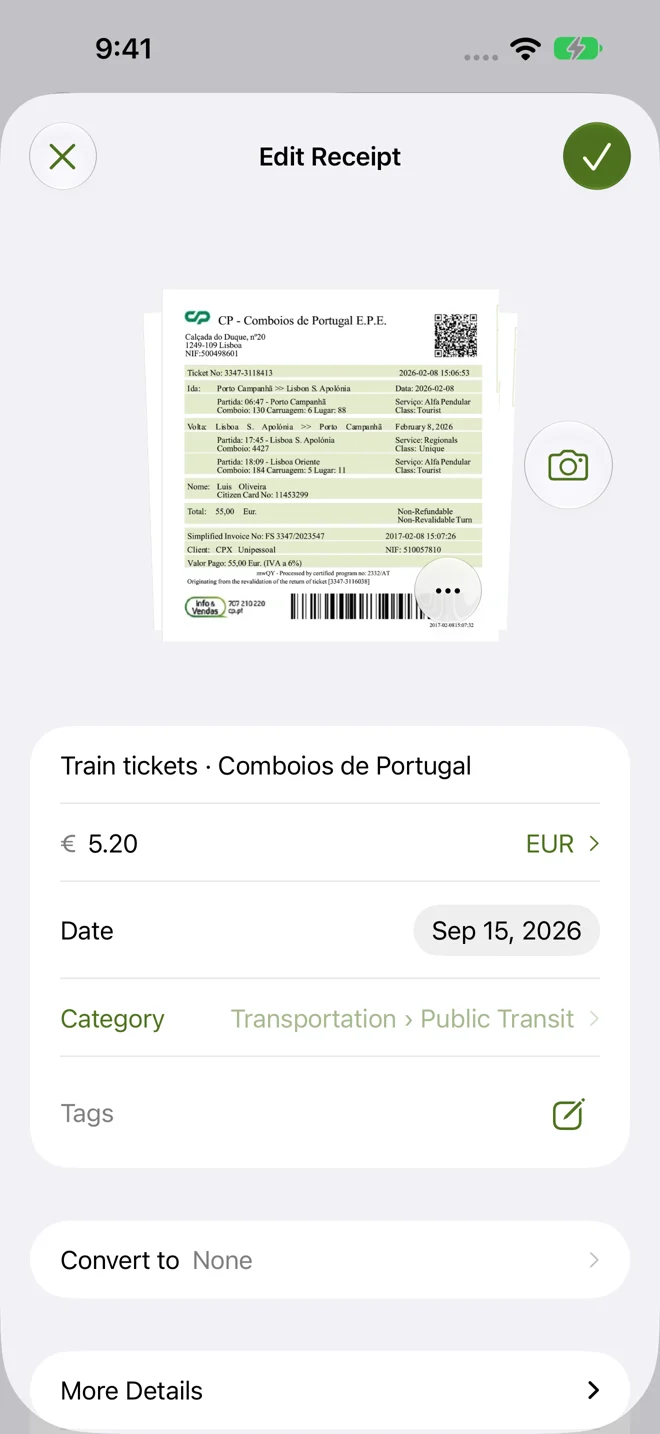
Photograph a receipt, import a photo or PDF, or enter an expense without an attachment. Keep multiple attachments with an expense and review available on-device recognition suggestions before using them.
 Trip Receipts
Travel expenses, organized
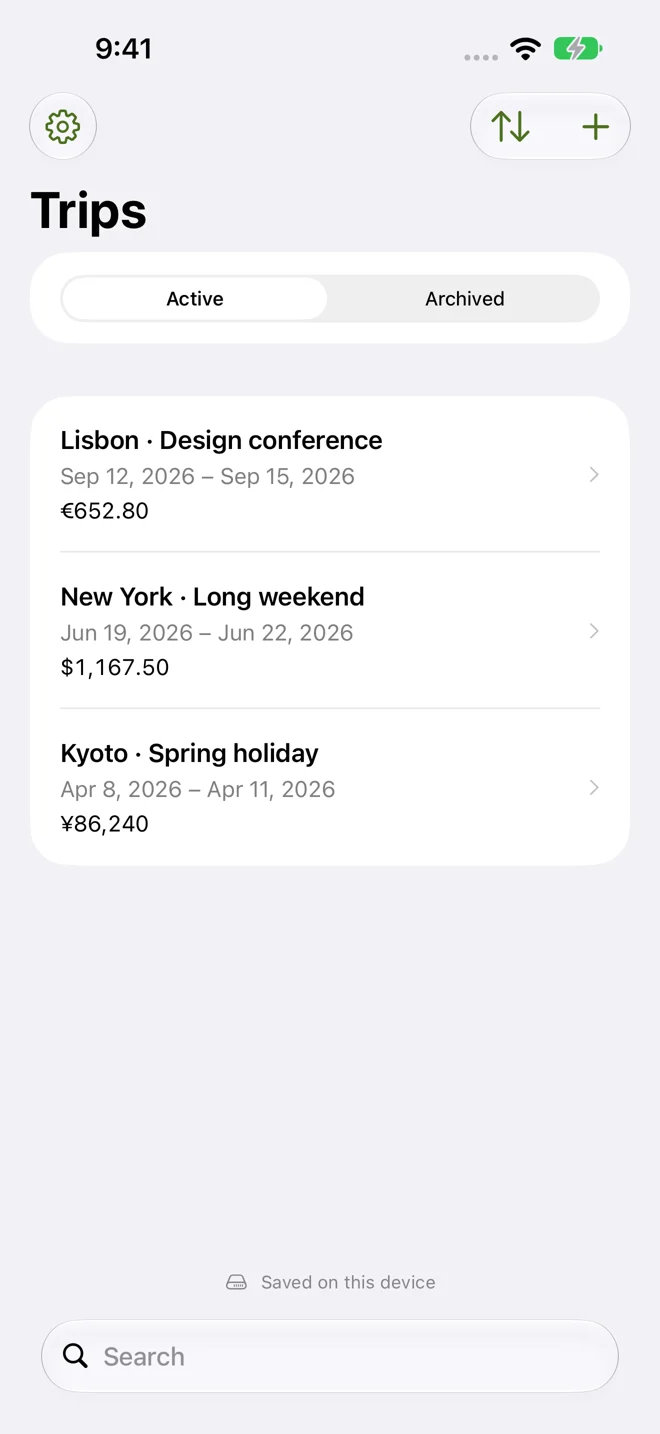
Keep your travel expenses and receipts in one place, from the first coffee to the final hotel bill. Whether you’re traveling for work, taking a holiday, or organizing a group trip, Trip Receipts helps you capture the details and keep moving.

iPhone · iPad · Mac · Apple Watch
Features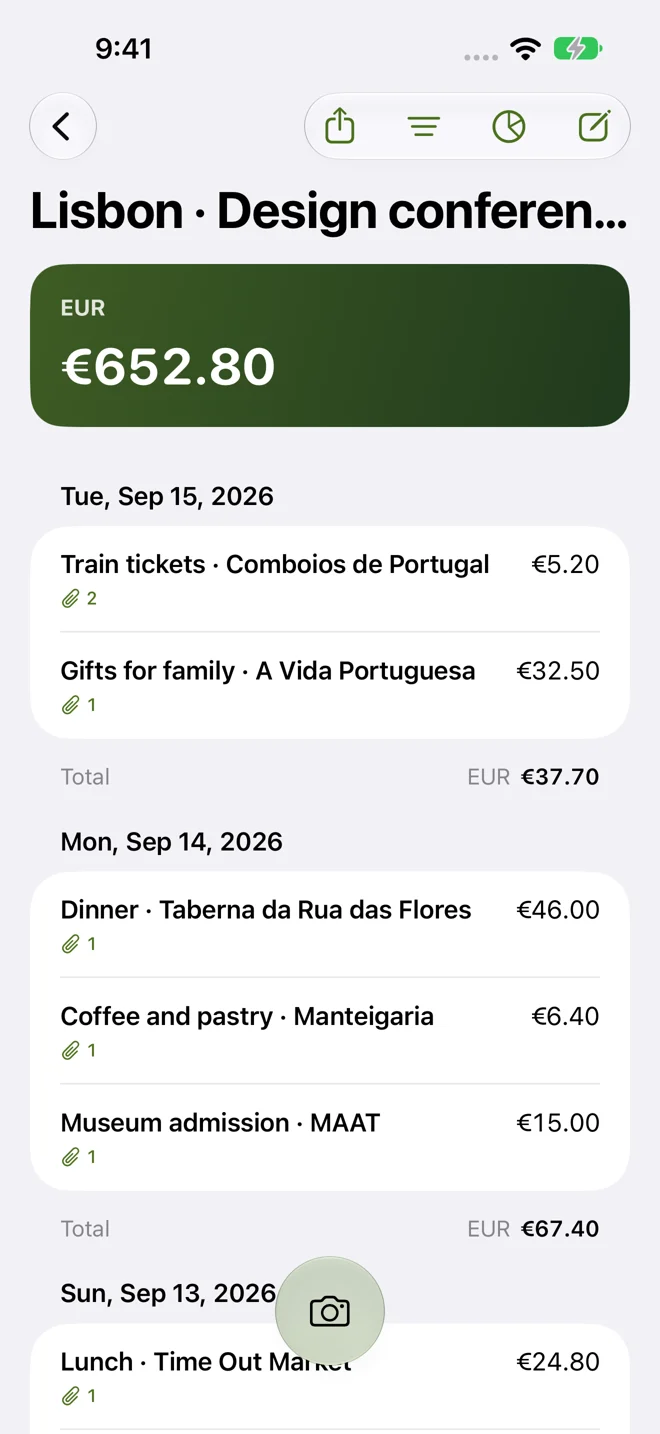
Features
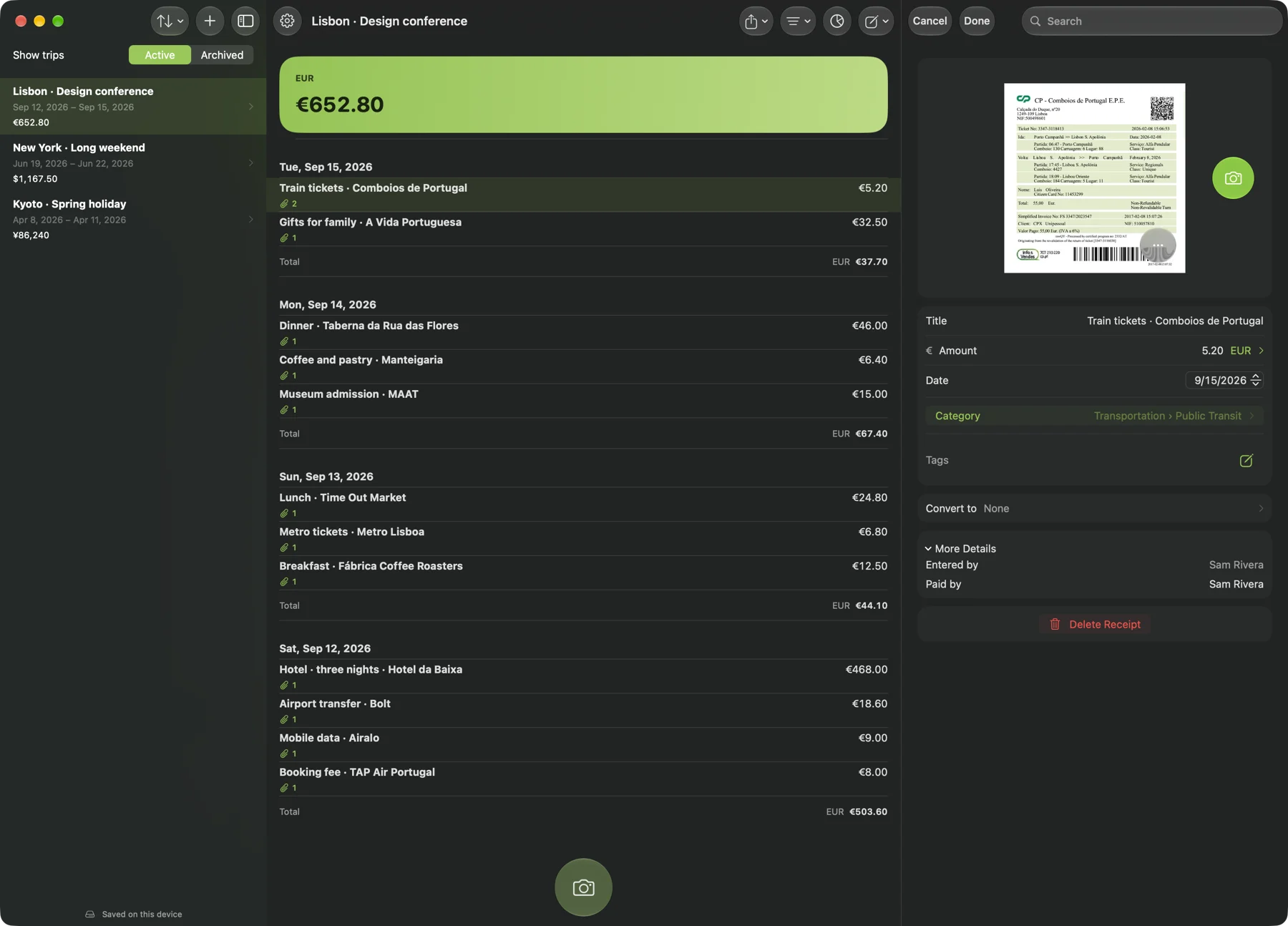
Photograph a receipt, import a photo or PDF, or enter an expense without an attachment. Keep multiple attachments with an expense and review available on-device recognition suggestions before using them.
Share a trip through iCloud so participants can add and edit receipts. Record who paid and keep everyone’s expenses together.
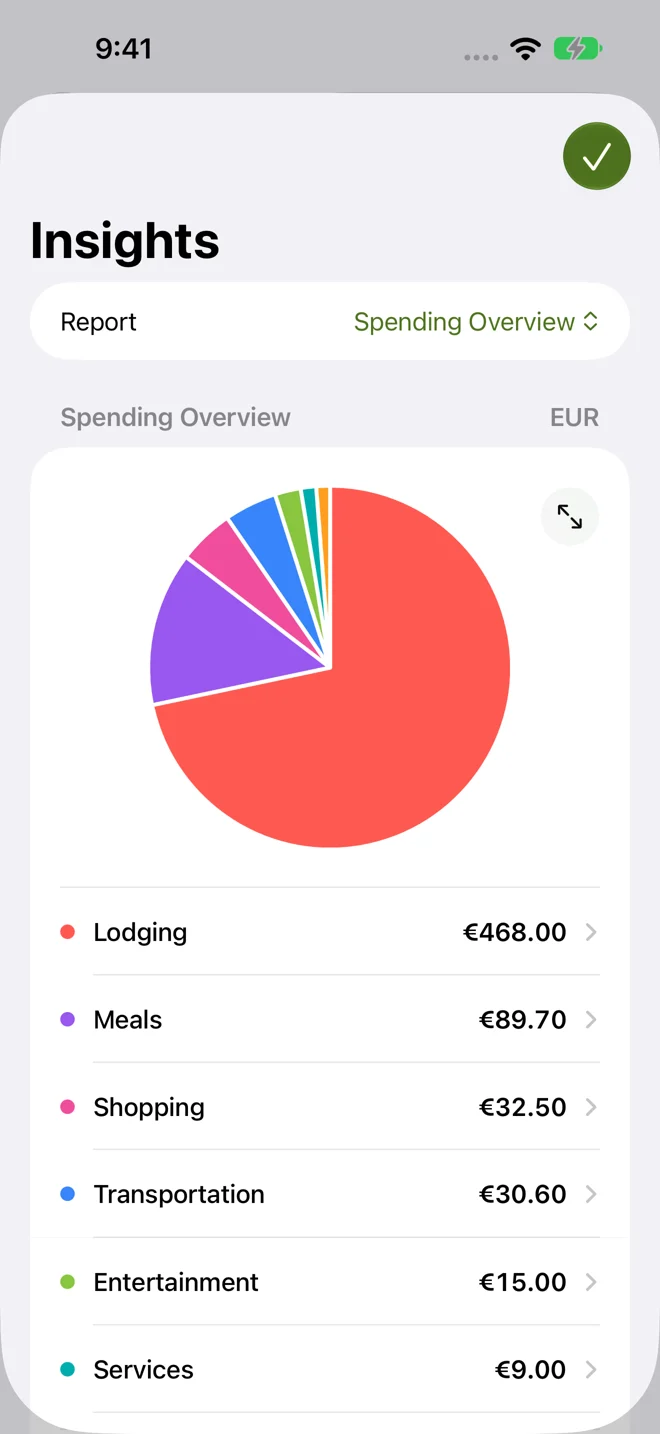
Explore spending by category and day with interactive charts. Organize expenses with categories, subcategories, and tags, and set category budgets for each trip. Keep original currencies and use currency conversion to bring totals together.
Trip Receipts
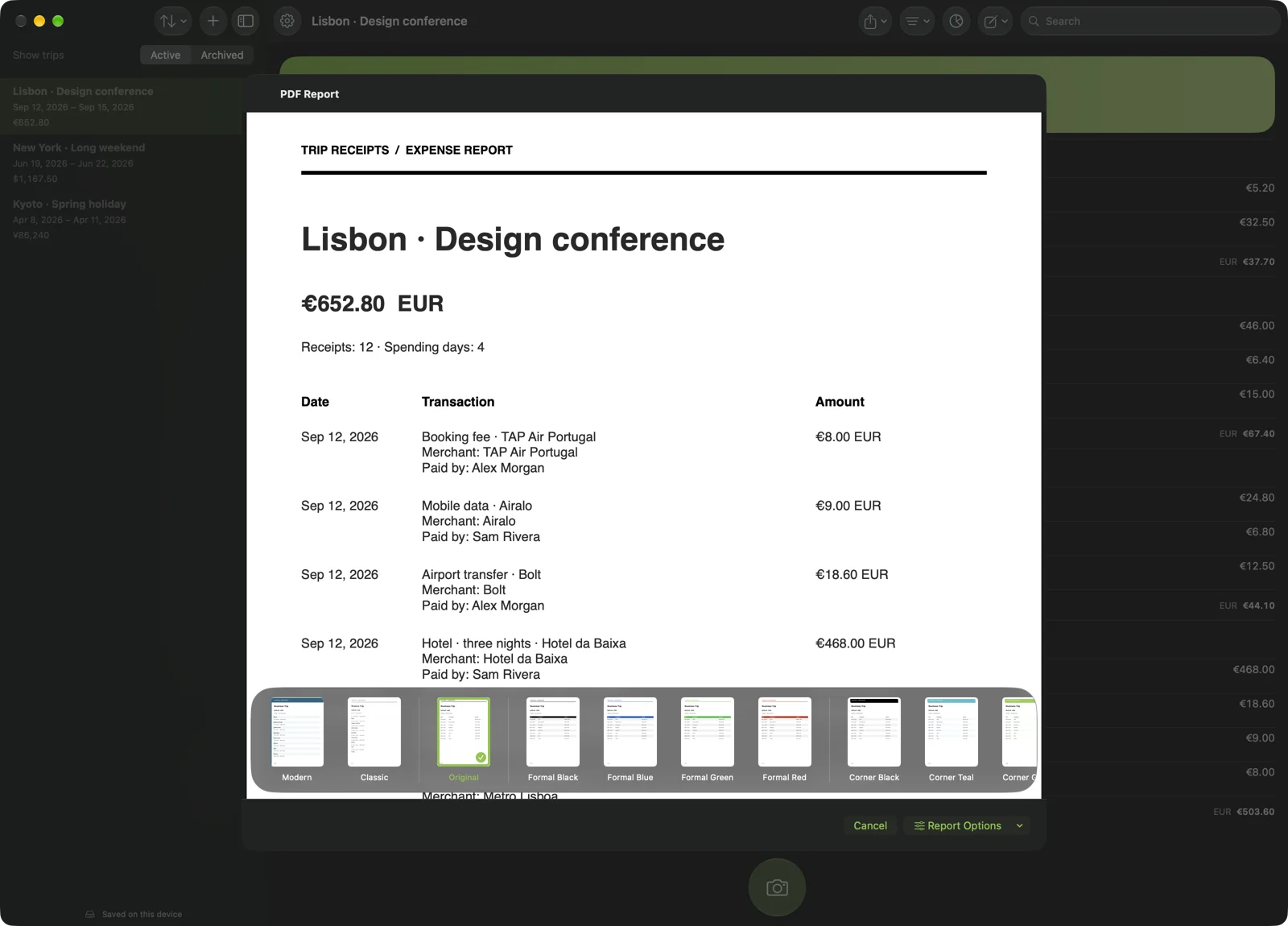
Create PDF reports with a choice of layouts. Export CSV data for spreadsheets or original attachments in a ZIP file. Back up your library so you can keep a separate copy of your records.
Search by merchant, description, tag, participant, or receipt text. Use filters to narrow the results and keep photos and PDFs alongside the expense they belong to.
Your devices
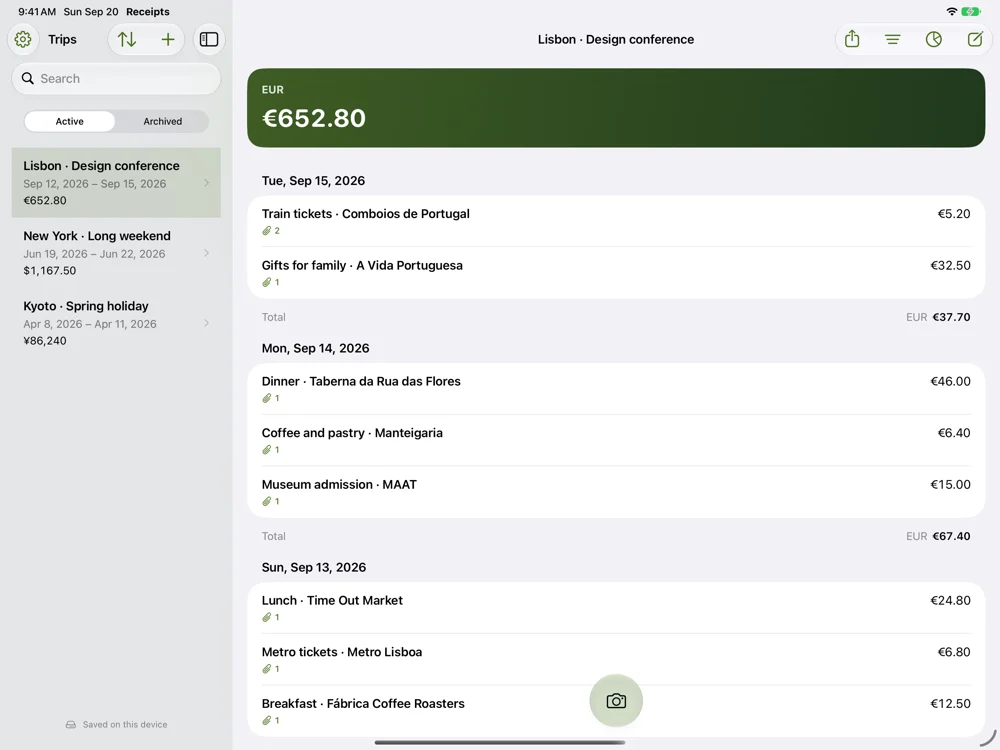
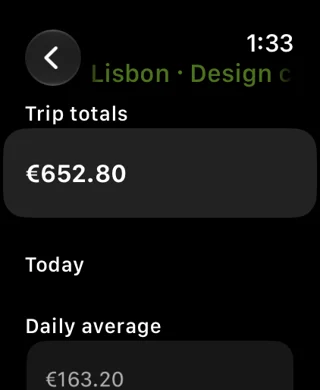
Use Trip Receipts on iPhone, iPad, and Mac, with iCloud sync across your devices. Check trip totals and daily spending on Apple Watch through its iPhone companion. Keep working offline with your downloaded library.
Your receipts, organized for the journey.